What is Vorx?
By The Vorx Team
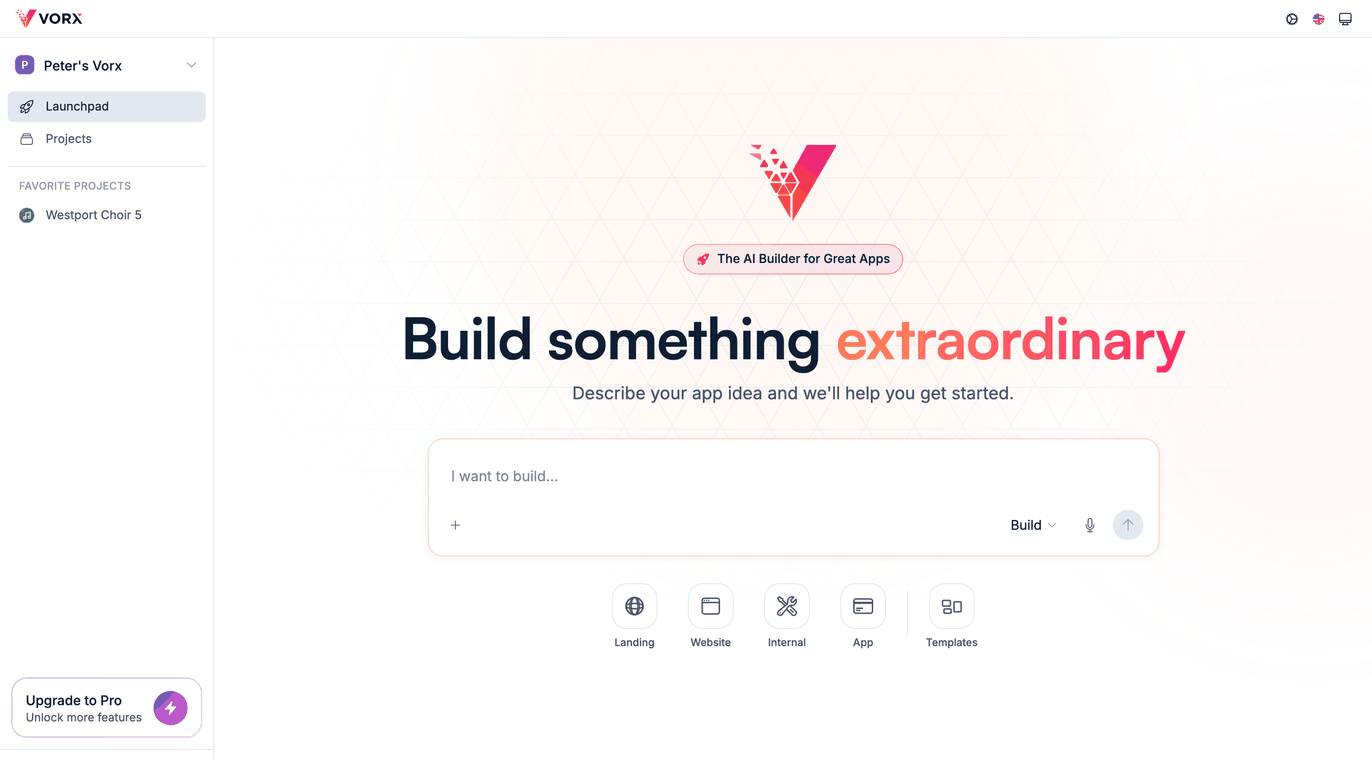
Vorx is an AI app builder. You describe the app you want in plain English, and Vorx builds the whole thing — screens, data model, sign-in and backend — then shows you a live preview you can click through straight away.
If you can explain your idea to a colleague, you can build it here. There is nothing to install and no template to wire up. You start with a sentence and end with a real app running at its own URL.
Describe it in plain English
You begin by telling Vorx what you need. Be specific about who uses the app and what the main screens are — the more concrete the prompt, the closer the first build lands.
For example:
Build a client portal where customers log in, see their invoices, and download PDFs.
Vorx reads that, plans the structure, and starts building. You don't choose a framework or set up a database; those decisions are handled for you.
What happens while you wait
A build runs in three stages. First Vorx designs: the screens, the entities and how they relate. Then it generates the app in a single coherent pass — components, routes, data model and backend wiring together. Then it verifies: before you ever see it, Vorx renders the app in a headless browser, signs in as a test user, and clicks through the main flows, fixing what throws.
That verify step is why a first build takes several minutes rather than seconds. You are waiting on a working app, not a first draft.
See a live preview
What appears beside the chat is the real app, not a mockup. Click through it the way your users would — add a record, open a screen, try the sign-in flow. Half a minute of using a screen tells you more than any description of it.
The preview does more than run. Switch it to visual mode to point at an element and describe the change, comments to leave notes for a teammate, or theme to adjust the palette and type across the whole app.
Refine by chatting
When something isn't right, you ask for the change in chat, one request at a time:
- Add a status column to the orders table.
- Make the dashboard the first screen after login.
- Change the accent colour to deep green.
Every change Vorx applies is saved as a checkpoint, so you can roll back to any earlier point if an edit goes the wrong way. Rolling back doesn't call a model, so it costs nothing — which makes experimenting cheap.
Built-in data, auth and backend
Every Vorx app arrives with the parts that usually take longest. Accounts and sign-in work out of the box. Your data model is created as you describe the app, and the backend to store and serve it is included. Uploads, scheduled jobs, payments and email are each a prompt away.
VorxSync, a local-first data layer we're building — writes hitting a local store first so the interface never waits, streaming between users in realtime, and working offline — is on our roadmap. It's the kind of infrastructure that's genuinely hard to add later, which is why we're building it into the platform rather than leaving it to individual apps to bolt on.
Publish to a real URL
When the app is ready, publish it. Vorx builds it for production and serves it at your-app.vorx.live, or at your own domain with HTTPS handled for you. Your users stay on the last published version until the new one finishes, so republishing never shows them a half-built app.
Because refining stays in chat, shipping an update later is one more request and one more publish.
Where to start
The best way to understand Vorx is to build something small. Describe a simple internal tool or tracker and watch it come together.
- Follow the whole loop in Build your first app.
- See what else you can add on the features page.
- When you're ready, create an account and describe your first app.
In the docs: Welcome and How Vorx works.