

Data & backend
Your data model
Vorx generates a managed database alongside the UI — describe your entities in plain English and it builds the tables, relationships, and seed data.
Every app runs on data, and Vorx builds the database for you. You describe the shape of your data in chat; Vorx creates the tables, wires the relationships, and keeps them in step with the screens.
Describe your entities
Name the things your app tracks and their fields. For example:
I'm tracking clients (name, email, phone, notes) and deals (which client, value, stage, expected close date). A client can have many deals.
Vorx turns that into tables with the right columns and types. Naming your entities in the very first prompt is the highest-leverage thing you can do — the design stage runs before any code is generated, so the model you describe is the model it builds toward.
Relationships
Describe how records connect — "a project has many tasks", "a task belongs to one user" — and Vorx sets up the keys and the queries behind the scenes. You don't write joins; you describe the shape.
Seed realistic data
Ask for sample rows so the app looks alive from the first preview:
Seed 20 clients and 50 deals spread across the stages, with a few overdue.
Realistic data makes it far easier to judge layouts and edge cases — empty tables hide most layout problems until your first real user finds them.
Evolve the schema
Data needs change. Add a field ("give deals a priority") or a whole entity ("add companies, and link each client to one") in a normal prompt, and Vorx migrates the schema. Schema changes are additive by default, so adding a field doesn't put existing rows at risk.
Make structural changes in chat rather than by hand, so the screens move with the data.
Look at what it built
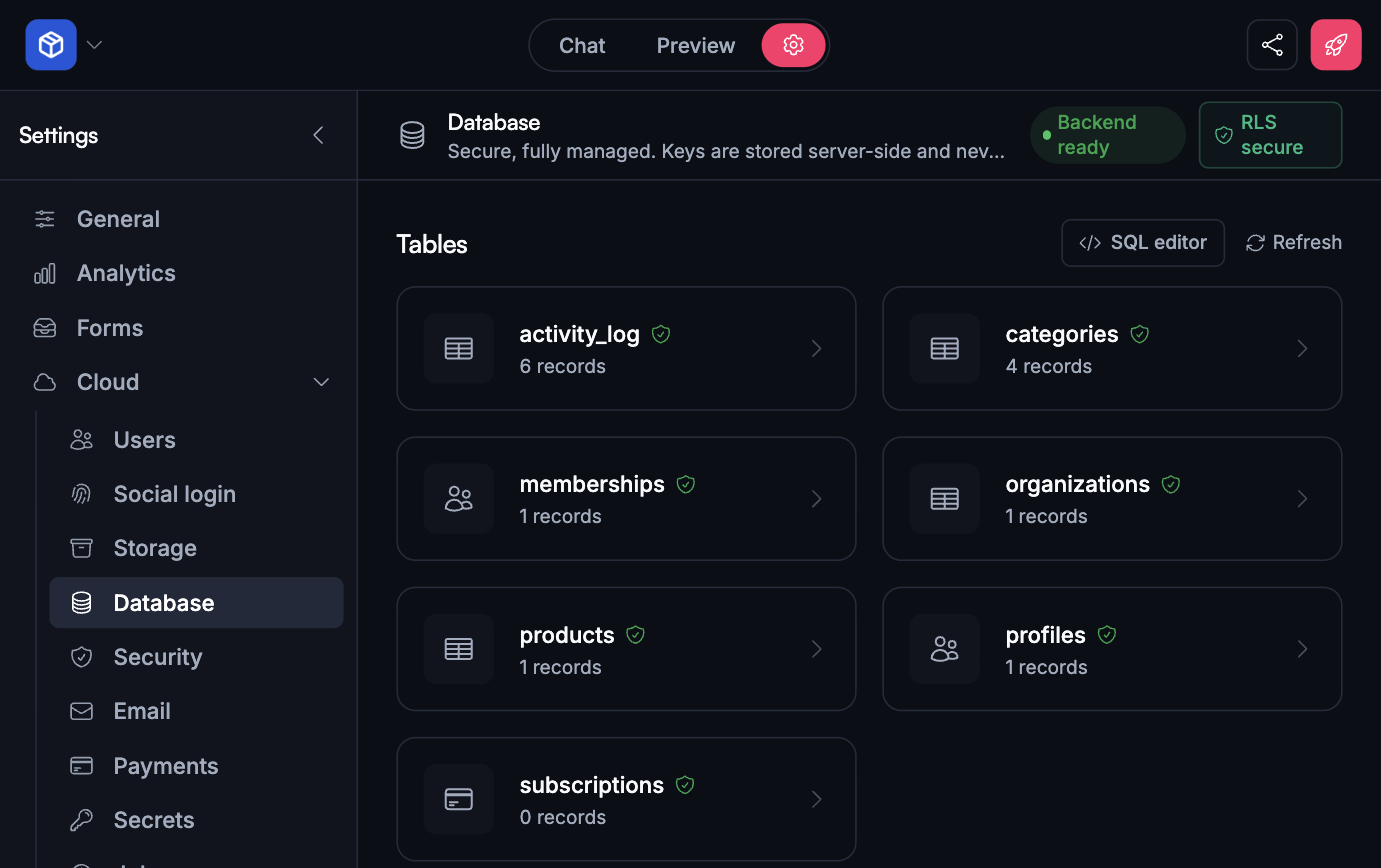
Open Settings → Cloud → Database to browse the tables, inspect rows, and check that a form saved what you expected. See Working with your database.
Scoped to the signed-in user
Once your app has authentication, records are scoped to the user who owns them, so people only see their own data. Widen it deliberately when you need to — "everyone on a team shares the same projects".
Sync
Reads and writes go through the same backend your screens already use, kept in step by the app Vorx generated — no separate sync layer to design for. A local-first data layer (VorxSync) is on the roadmap and will update the UI instantly without a round-trip once it ships.
Next steps
- Working with your database — browsing and editing rows
- Authentication — scoping data to users
- Files and storage — attachments and images