

Get started
Quickstart
The whole build loop on one page: prompt, iterate, add the essentials, publish.
In a hurry? Here's the entire loop on one page. Allow about ten minutes.
1. Prompt
Describe the app and who it's for, and name the core flow. Specifics beat adjectives:
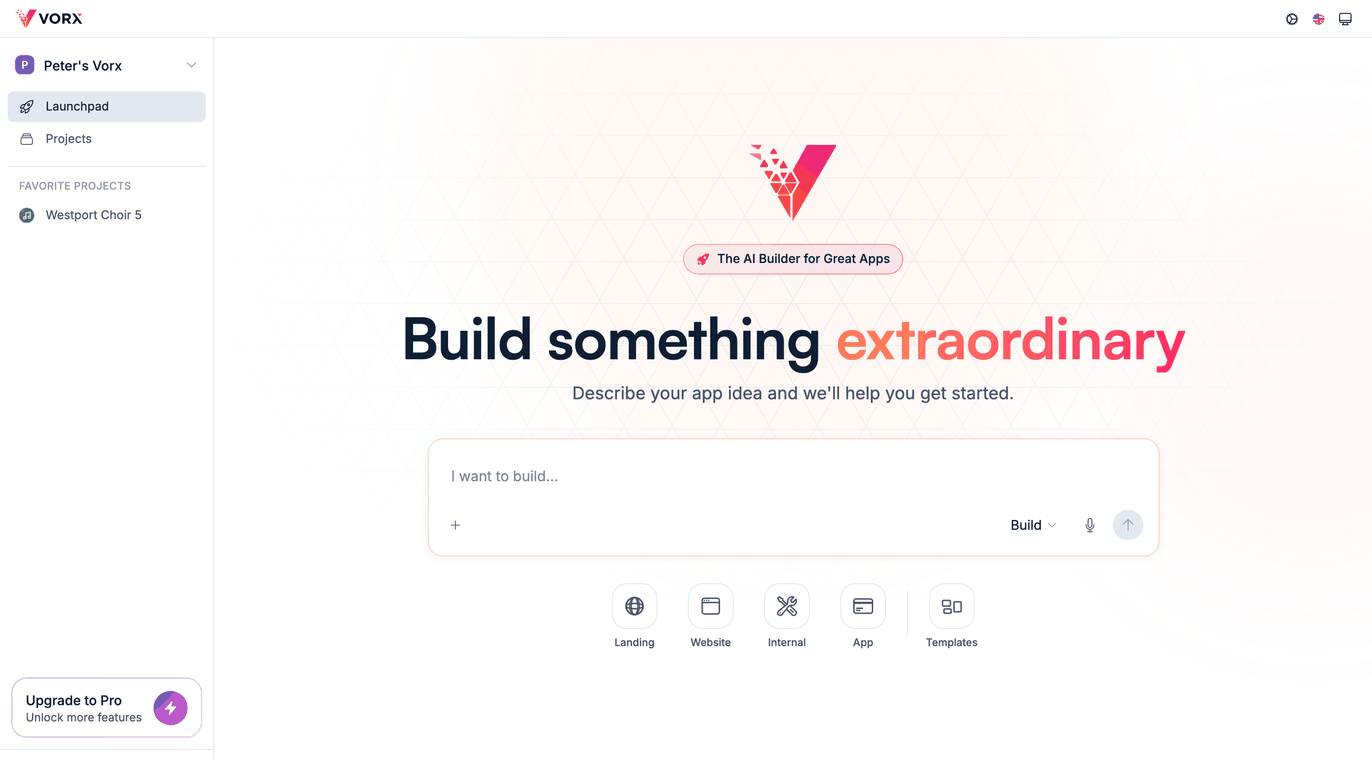
Build an internal tool for our support team to track bugs: title, severity, status, assignee, and comments, with a board view grouped by status.
Vorx designs the screens and data model, generates the app, then clicks through it in a headless browser before showing you anything. First builds usually take five to ten minutes — longer for something complex, and a run that's still going is still working.
2. Iterate
Click through the live preview, then send small follow-up prompts — one change per message. Reviewing each change before sending the next is the single habit that most improves results.
For a large feature, switch the composer to Plan mode first and agree the approach before any code is written.
3. Add data and auth
Ask for a login and describe your data model in plain English. Both are generated alongside the UI, and you can inspect them under Settings → Cloud → Users and Settings → Cloud → Database.
4. Publish
Publish to a live URL at your-app.vorx.live, then add a custom domain whenever you're ready. Keep iterating after launch — republishing is normal and fast.
Before you share it widely
Run the launch checklist — it's a five-minute pass that catches the things people most often ship by accident: placeholder copy, test keys still in place, and a broken mobile layout.
Next steps
- Writing good prompts — the habits that produce better first builds
- Your first app — the same loop, in full
- Core concepts — the vocabulary behind all of it