

Data & backend
Files and storage
Let users upload images and files — stored, served, and secured for you, under Settings → Cloud → Storage.
Plenty of apps need to handle files: avatars, attachments, exports, receipts. Vorx adds storage and the UI around it when you ask.
Buckets and uploaded files live under Settings → Cloud → Storage.
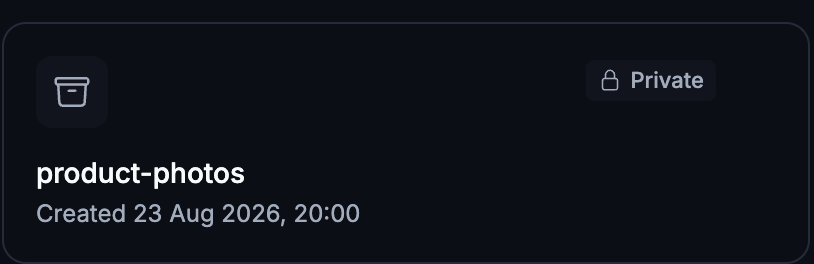
Add uploads
Describe where files belong:
Let clients attach files to a project, and give each user a profile photo.
Vorx adds the upload control, stores the file, and shows a preview.
Serving files
Uploaded files get URLs scoped to your app, so they're served securely and tied to the right record. Images can be displayed inline; other files download.
Validation and limits
Ask for constraints — "images only, up to 10 MB" — and Vorx enforces them on upload with a clear error when a file doesn't fit. Worth setting deliberately: without a limit, the first person to upload a 200 MB video will find out for you.
Access control
By default, files follow the same per-user scoping as the records they're attached to, so people only reach their own uploads.
Deleting a bucket destroys its files
Removing a storage bucket empties it first — every file in it goes, and that isn't reversible. Vorx tells you how many objects were removed rather than leaving you to discover it later, but it's a step to take deliberately.
Uploading files to Vorx is different
Attaching a spreadsheet or document to a chat message is context for the build — Vorx reads it to understand what you want, and it isn't stored as part of your app. See Usage and limits for those caps.
Images are the exception, and they're kept. Attach an image and ask for it to be used — "use this photo as the hero background" — and the original file is written into your app's own assets and served from your app. The exact file, not a regenerated lookalike. So an attached image can become a real image on the page, rather than only a reference the design is modelled on.
Next steps
- Your data model — attaching files to records
- Authentication — who can reach an upload
- Security — how access is enforced